
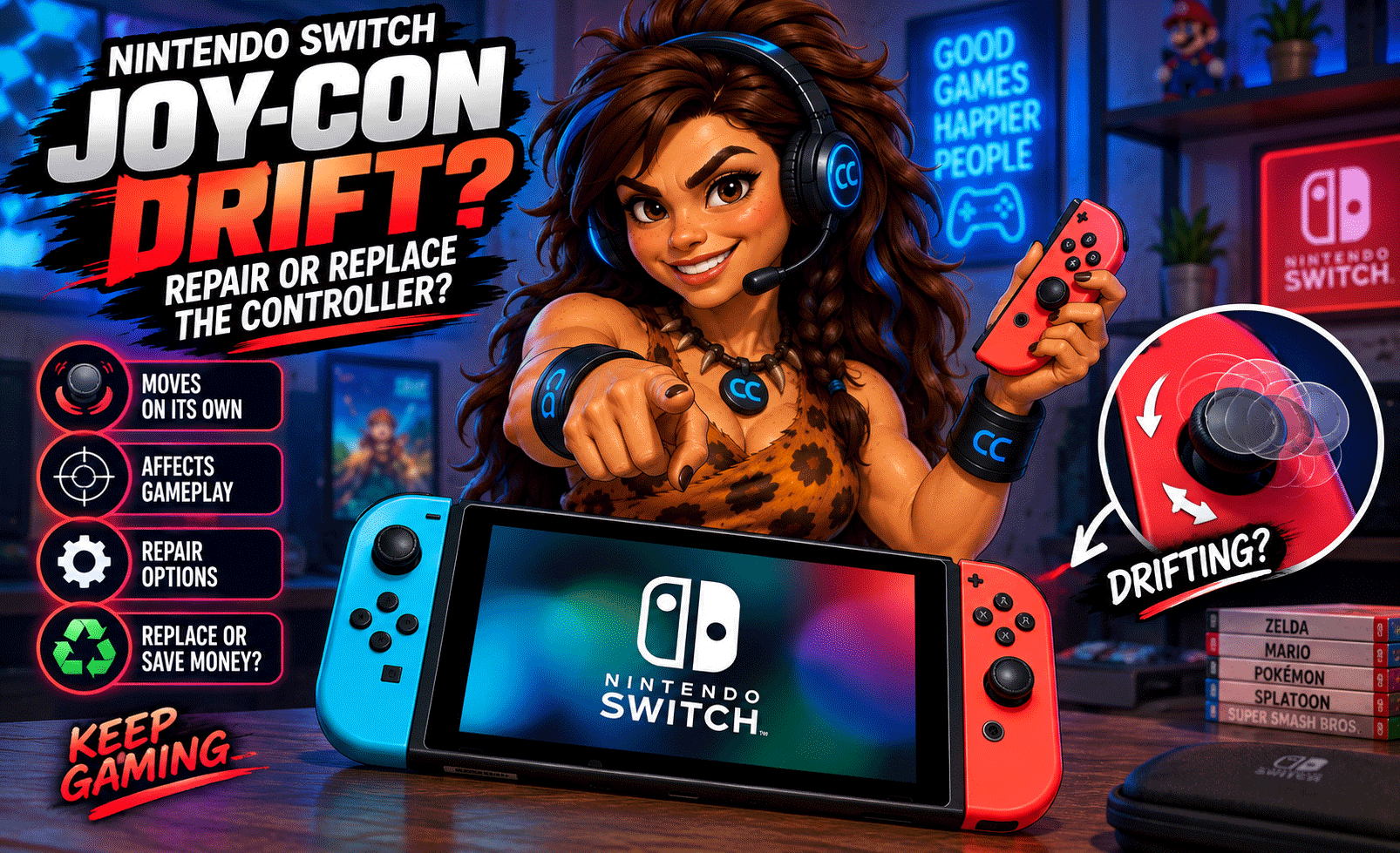
You're playing your Nintendo Switch when suddenly your character starts walking across the screen.
The problem?
You're not touching the joystick.
If your character moves on its own, your menu selection keeps scrolling, or your aim seems to have a mind of its own, you're probably dealing with Nintendo Switch Joy-Con drift.
Joy-Con drift is one of the most recognizable controller problems associated with the Nintendo Switch. But does a drifting joystick mean it's time to buy another controller?
Not necessarily.
At Computer Concepts, we repair gaming consoles and controllers at our Yorktown and Williamsburg, Virginialocations. Before replacing your Joy-Con, it's worth finding out whether the problem can be repaired.
What Is Nintendo Switch Joy-Con Drift?
Joy-Con drift happens when the analog joystick registers movement even though you're not moving it. Your Nintendo Switch essentially thinks you're pushing the joystick when you're not. That can make games frustrating—or nearly impossible to play.
Common symptoms include:
- Characters moving without input
- Camera moving by itself
- Menu selections scrolling on their own
- Difficulty aiming accurately
- Joystick movement continuing after you release it
- Movement registering in the wrong direction
- Controller responding inconsistently
If you've found yourself fighting your controller more than the game, joystick drift could be the culprit.
What Causes Joy-Con Drift?
There isn't just one possible cause.
1. Wear Inside the Joystick
Your analog sticks get a workout. Think about how many times you move, click and rotate those tiny joysticks during hundreds—or thousands—of hours of gaming. Internal components can eventually wear. When that happens, the controller may begin registering incorrect inputs.
2. Dust and Debris
Dust, dirt and other debris can sometimes interfere with the joystick mechanism. Gaming controllers spend a lot of time in our hands, on desks, in backpacks and occasionally wedged between couch cushions. They get dirty. Contamination around or inside the joystick can contribute to inconsistent operation.
3. Calibration Problems
Not every drifting Joy-Con necessarily has a physically broken joystick. Sometimes recalibrating the control stick may correct unusual behavior. Before assuming hardware has failed, it's worth checking the Switch's built-in calibration tools.
4. Physical Damage
Controllers get dropped - It happens. A hard impact can damage the joystick or other internal components. If your Joy-Con started drifting immediately after being dropped, physical damage becomes a stronger possibility.
How Do I Test for Joy-Con Drift?
Nintendo Switch includes tools that can help you determine whether your joystick is registering movement correctly. On your Switch, go to:
System Settings → Controllers and Sensors → Calibrate Control Sticks
Follow the instructions on the screen.
When you're not touching the joystick, the indicator should remain centered. If the Switch shows movement while your thumb is completely off the stick, you may have confirmed the drift problem.
Can You Fix Joy-Con Drift Without Replacing the Joystick?
Sometimes. Before replacing parts, there are a few things worth trying:
Restart Your Nintendo Switch
Yes, the classic tech-support advice applies to gaming consoles too. Restart the Switch and test the controller again.
Update Your Controllers
Make sure your Joy-Con firmware is current. Go to: System Settings → Controllers and Sensors → Update Controllers. An update won't repair a physically worn joystick, but ruling out software issues is an easy first step.
Recalibrate the Joystick
Use the calibration procedure mentioned above. If calibration corrects the problem and it doesn't return, you may not need hardware repair.
Check for Visible Dirt
Look around the base of the joystick for obvious debris. Avoid pouring cleaners or liquids into your Joy-Con. Improper cleaning can create a much bigger problem than joystick drift.
When Does a Joy-Con Need Hardware Repair?
If you've updated, restarted and recalibrated the controller but the joystick still registers movement by itself, the problem may be hardware-related.
Signs that point toward a physical problem include:
- Drift constantly returns after calibration
- Joystick doesn't center correctly
- Movement occurs without touching the stick
- Certain directions don't register properly
- Joystick feels unusually loose
- Controller was recently dropped
- Drift has progressively gotten worse
At this point, replacing the affected joystick assembly or repairing the controller may be the better option.
Should I Repair or Replace a Drifting Joy-Con?
This depends on the condition of the controller. Repair makes sense when:
- The Joy-Con otherwise works properly
- The joystick is the primary problem
- Buttons and triggers still function correctly
- The controller hasn't suffered major liquid damage
- Repair costs less than replacing the controller
- You'd rather keep your existing Joy-Con
A joystick problem doesn't necessarily mean the entire controller is bad.
Replacement May Make More Sense When:
The Joy-Con has several problems at once. For example:
- Multiple buttons don't work
- Controller has significant liquid damage
- Housing is badly broken
- Internal board damage is extensive
- Battery and joystick both need repair
- Repair cost approaches replacement cost
That's why diagnosis matters. Don't replace the entire controller because of one component until you know what's actually wrong.
Is Joy-Con Drift Repair Worth It?
Often, yes. Electronic devices are made up of individual components. When one component fails, replacing the entire device isn't always necessary. If the joystick is the problem and the rest of the Joy-Con is in good condition, repairing it can keep a perfectly usable controller in service.
That's especially important when you own multiple Joy-Cons or a special-edition controller you'd rather keep.
At Computer Concepts, we're big believers in Repair More. Waste Less.
Can Nintendo Switch Lite Get Joystick Drift?
Yes. The Nintendo Switch Lite uses built-in controls rather than removable Joy-Cons, but its analog sticks can also develop drifting or input problems. There's one important difference: With a standard Nintendo Switch, you can remove the affected Joy-Con. With a Switch Lite, the controls are part of the console itself. That makes professional diagnosis especially useful if your Switch Lite develops joystick problems.
What About Nintendo Switch OLED Controllers?
The Nintendo Switch OLED model uses removable Joy-Con controllers as well. If you're experiencing unwanted movement, inaccurate control, or menu scrolling, you can use the same basic troubleshooting process:
Update → Test → Calibrate → Diagnose
If the problem continues, hardware repair may be necessary.
Can I Replace a Joy-Con Joystick Myself?
Replacement joystick kits are widely available, and experienced DIY users may choose to attempt the repair. But Joy-Cons are small - very small. Inside are delicate ribbon cables, connectors, screws and electronic components packed into a tight space.
A joystick replacement can quickly turn into a damaged ribbon cable, broken connector or non-working controller if you're unfamiliar with disassembling small electronics.
If you're comfortable repairing electronics, that's your call. If you're not? That's what repair shops are for.
How Can I Help Prevent Joy-Con Drift?
You can't eliminate normal wear, but taking care of your controllers can help.
Store your Joy-Cons somewhere clean and dry. Avoid tossing them loose into bags where the sticks can be pushed or bent. Don't eat greasy food while gaming unless you enjoy giving your controllers a very different kind of maintenance problem.
And maybe don't rage-throw them. The boss fight isn't going to pay for the repair. 🎮
Nintendo Switch Joy-Con Repair in Yorktown & Williamsburg, VA
If your Nintendo Switch controller seems to be playing the game without you, bring it to Computer Concepts. We provide gaming-console repair for customers throughout Hampton Roads, Virginia, including:
- Nintendo Switch controller problems
- Joy-Con joystick problems
- Nintendo Switch charging issues
- Console hardware repair
- HDMI port repair
- PlayStation repair
- Xbox repair
- Internal cleaning
- Microsoldering
- Circuit-board repair
You'll find Computer Concepts in:
📍 Yorktown, Virginia
📍 Williamsburg, Virginia
We've been helping Hampton Roads customers with their technology since 2005. Before buying another controller, let us determine whether the one you already own can be repaired.
Your Character Shouldn't Move Unless You Tell It To
If your Nintendo Switch character has developed a habit of wandering off without you, it's time to find out why.
Joy-Con drift doesn't automatically mean game over for your controller.
Sometimes the smarter move is repairing what you already have.
🎮 Computer Concepts — We Fix It Right.
Quality Repair. Real Support.