
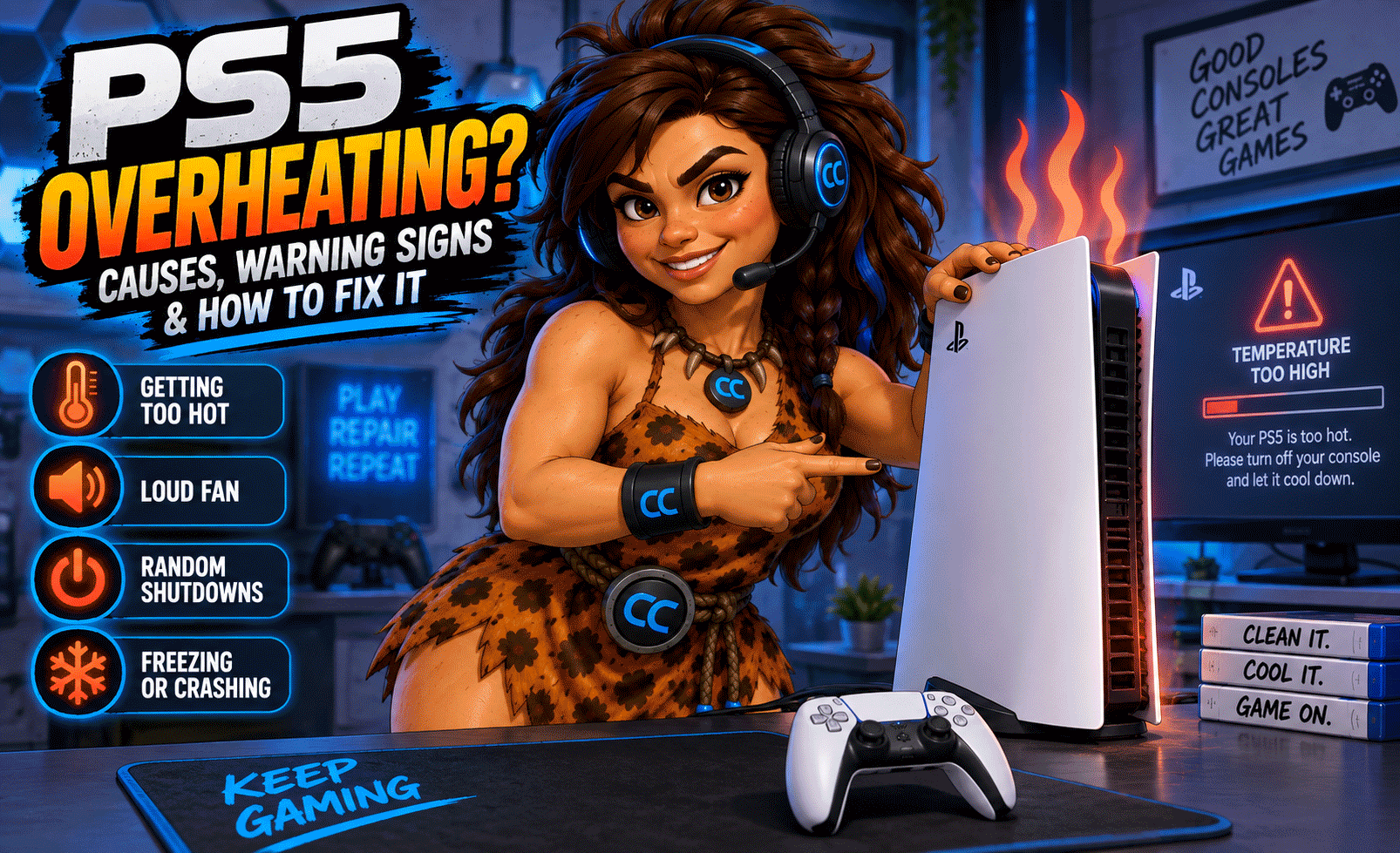
Your PS5 is in the middle of a game when suddenly the fan gets loud, the console feels extremely hot, or—worse—it shuts itself off.
If this sounds familiar, your PS5 may be overheating.
Overheating is one of the most common problems we see with gaming consoles. Dust buildup, restricted airflow, cooling-system issues, and internal component problems can all cause a PlayStation 5 to run hotter than it should.
The good news? An overheating PS5 doesn't automatically mean you need a new console.
At Computer Concepts, we repair gaming consoles in Yorktown and Williamsburg, Virginia, including overheating problems, HDMI port damage, charging issues, and board-level problems.
Here’s what you should know before giving up on your PS5.
Signs Your PS5 Is Overheating
Sometimes the symptoms are obvious. Other times, overheating can look like a completely different problem.
Common warning signs include:
- PS5 randomly shutting off while gaming
- Console becoming unusually hot
- Fan running extremely loud
- Overheating or temperature warnings
- Games freezing or crashing
- Performance problems during demanding games
- PS5 shutting down without warning
- Console struggling after extended gaming sessions
- Excessive heat coming from the rear vents
If your PS5 repeatedly shuts down while playing games, don't assume the console is dead. Heat may be the real problem.
Why Does a PS5 Overheat?
1. Dust Buildup
Dust is one of the biggest enemies of electronics.
Your PS5 constantly moves air through the console to cool its internal components. Unfortunately, that airflow can also bring dust, pet hair, and other debris inside.
Over time, buildup can restrict airflow and make it harder for the cooling system to remove heat.
Think the outside of your PS5 looks clean?
That doesn't necessarily mean the inside is clean.
We've opened gaming consoles that looked perfectly fine externally but had significant dust buildup inside.
2. Blocked Airflow
Where you put your PS5 matters.
A console placed inside a tight entertainment center, against a wall, or surrounded by other heat-producing electronics may not have enough room to properly exhaust hot air.
Give your PS5 room to breathe.
Avoid blocking its vents and make sure hot exhaust air has somewhere to go.
3. Cooling System Problems
The PS5's cooling system is designed to move heat away from critical components.
If part of that system isn't functioning correctly, internal temperatures can increase quickly.
A professional console inspection can determine whether you're dealing with simple dust buildup or a deeper cooling problem.
4. Internal Contamination
Dust isn't always the only thing we find inside consoles.
Pet hair, smoke residue, insects, and other debris can accumulate inside electronics. Heavy contamination can restrict airflow and interfere with proper cooling.
Regular cleaning can make a significant difference, especially if your console operates in a dusty environment or around pets.
5. Fan Problems
If the cooling fan isn't spinning properly, is obstructed, or has developed a fault, your PS5 may not be able to move enough air through the system.
A loud fan can also be a warning sign.
If your PS5 suddenly sounds like it's preparing for takeoff, it's worth finding out why.
Why Does My PS5 Shut Off While Playing Games?
This is a question we hear frequently.
A PS5 that shuts down during demanding games may be protecting itself from excessive heat or experiencing another internal hardware problem.
Games that push the processor and graphics hardware harder generate more heat. That can expose cooling problems that aren't noticeable while you're simply sitting at the home screen or streaming video.
If the shutdown happens repeatedly, continuing to restart the console without addressing the underlying problem isn't the best solution.
Find out what's causing it.
Can I Clean My PS5 Myself?
Basic exterior maintenance can be done at home.
You can keep the area around the console clean, make sure vents aren't obstructed, and periodically remove surface dust.
But there's a difference between cleaning around a console and properly servicing the inside of one.
Disassembling a PS5 without the right tools or experience can create additional problems. Connectors, cables, screws, and internal components can be damaged during an attempted DIY repair.
If you're uncomfortable taking electronics apart, professional cleaning is the safer option.
Does a PS5 Need Thermal Paste?
This is another common search online.
The PS5 cooling design differs from many traditional computers and uses liquid metal as a thermal interface material on its main processor rather than conventional thermal paste in that location.
That distinction matters.
Improper handling of liquid metal can damage a console, so cooling-system work involving this area should be performed carefully by someone familiar with the PS5's design.
Simply adding ordinary thermal paste isn't a universal fix for an overheating PS5.
The actual cause needs to be diagnosed first.
Can an Overheating PS5 Be Repaired?
In many cases, yes.
Depending on the cause, service may involve:
- Internal cleaning
- Removing dust and debris
- Inspecting the cooling system
- Checking fan operation
- Inspecting vents and airflow
- Diagnosing power or board-related problems
- Repairing damaged internal components
The important part is determining why the console is overheating instead of guessing.
What About PS5 HDMI Port Problems?
Overheating isn't the only common PS5 repair we see.
HDMI ports can become damaged from repeated plugging and unplugging, a console being moved while connected, accidental cable pulls, or physical impact.
Symptoms can include:
- PS5 powers on but has no picture
- "No Signal" displayed on the TV
- Picture cuts in and out
- HDMI cable feels loose
- Visible damage inside the HDMI port
- Display only works when the cable is held at a certain angle
HDMI port replacement isn't simply a matter of snapping a new connector into place.
It requires microsoldering and board-level repair skills.
At Computer Concepts, our microsoldering capabilities allow us to perform repairs down to the circuit board when appropriate.
Is It Worth Repairing an Overheating PS5?
Before buying another console, it's worth having yours evaluated.
Replacing a gaming console can be expensive, and your existing system may have a repairable problem.
A professional diagnosis can help determine whether repairing the console makes financial sense.
Repair more. Waste less.
That's better for your wallet and keeps repairable electronics out of the waste stream.
How Can I Help Prevent My PS5 From Overheating?
A little preventive maintenance goes a long way.
Keep your console in a well-ventilated location, don't block the air vents, keep the surrounding area reasonably dust-free, and pay attention when the console starts behaving differently.
Most importantly, don't ignore repeated overheating warnings or unexplained shutdowns.
Your console is trying to tell you something.
Gaming Console Repair in Yorktown & Williamsburg, VA
If your PS5 is overheating, shutting down, running loudly, or having HDMI problems, Computer Concepts can help.
We've been helping Hampton Roads customers with their technology since 2005, and gaming-console repair is part of what we do.
From cleaning and cooling problems to HDMI repair and microsoldering down to the circuit board, our technicians can diagnose the problem and determine the right repair.
📍 Computer Concepts – Yorktown, VA
📍 Computer Concepts – Williamsburg, VA
🌐 mycomputerconcepts.com
Bring your console in and let us take a look.
Don't Replace It Until You Know What's Wrong
A PS5 that overheats or shuts down isn't necessarily finished.
Sometimes the difference between a dead console and another night of gaming is simply finding the right problem and fixing it right.
Computer Concepts — Quality Repair. Real Support.