
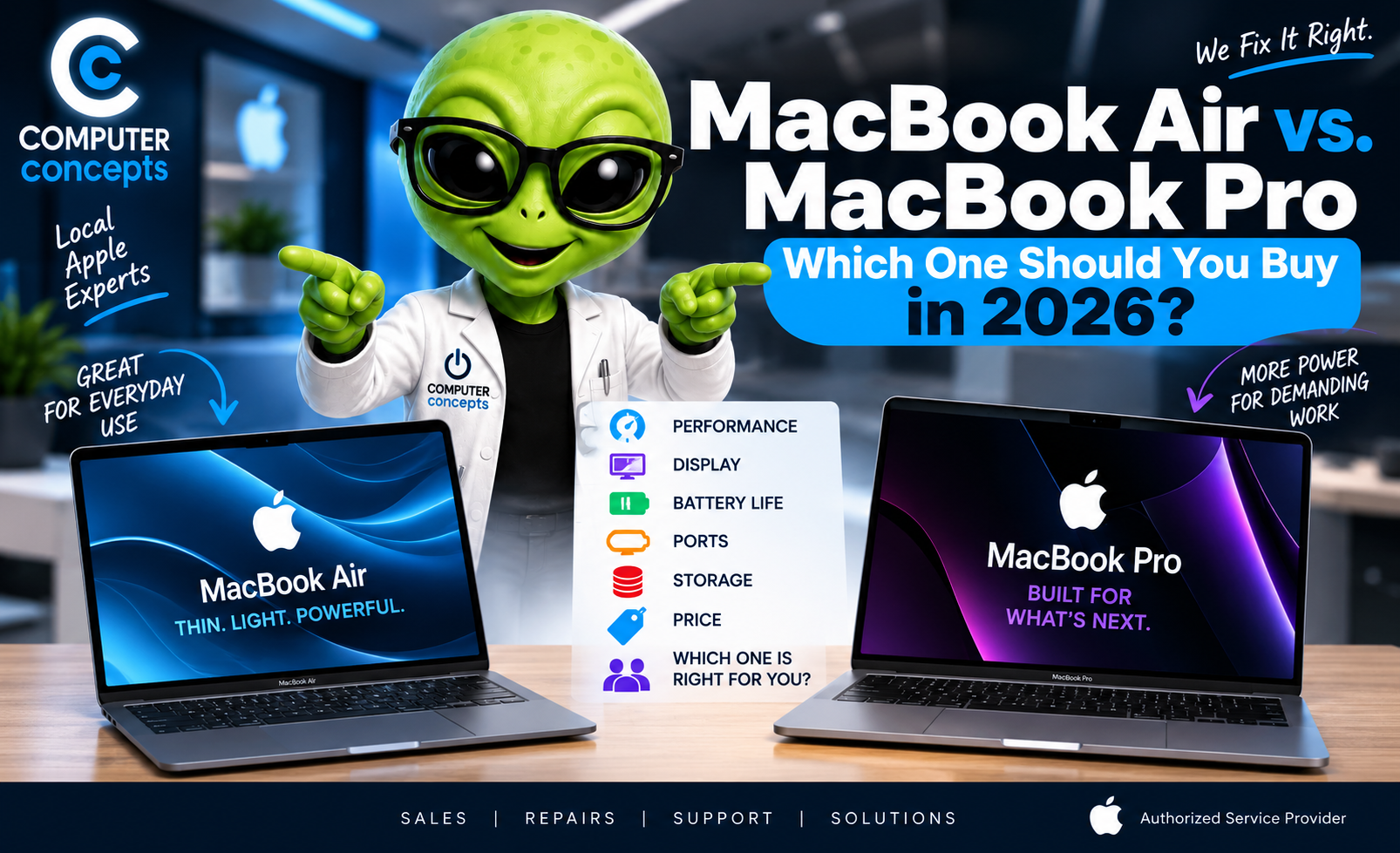
MacBook Air vs. MacBook Pro: Which One Should You Buy in 2026?
You're ready for a new MacBook. Then comes the big question:
MacBook Air or MacBook Pro?
For years, the answer seemed simple: the MacBook Air was for basic everyday use, while the MacBook Pro was for serious work. In 2026, that distinction isn't nearly as clear.
Apple's current M5 MacBook Air is powerful enough for far more than email and web browsing, while the MacBook Pro pushes into substantially heavier professional workloads with M5, M5 Pro, and M5 Max options.
That means spending more doesn't automatically mean you're buying the better Mac for you. Here's how to choose.
MacBook Air vs. MacBook Pro in 2026: The Quick Answer
For most people, we'd start with the MacBook Air. For demanding professional workloads, we'd look at the MacBook Pro. Buy a MacBook Air if you primarily:
- Browse the web
- Use email
- Work in Microsoft Office
- Attend Zoom or FaceTime meetings
- Run a small business
- Work with documents and spreadsheets
- Manage photos
- Stream movies and music
- Do schoolwork
- Perform moderate photo or video editing
- Want something thin and lightweight
Consider a MacBook Pro if you regularly:
- Edit large or complex video projects
- Work with 4K or 8K video
- Produce music with demanding sessions
- Compile large software projects
- Work with 3D graphics
- Run professional creative applications heavily
- Work with large datasets
- Run demanding AI workloads locally
- Need more external displays or high-speed connectivity
- Need maximum sustained performance
The key word is Regularly! Don't buy a $3,000+ computer because you might edit a video someday. Buy for what you actually do.
What's New for MacBook in 2026?
Apple updated both major MacBook families in March 2026. The current MacBook Air uses Apple's M5 chip and comes in 13-inch and 15-inch sizes. It now starts with 512GB of storage, can be configured up to 4TB, supports up to two external displays, and offers up to 18 hours of battery life according to Apple.
The MacBook Pro lineup goes considerably further. The 14-inch MacBook Pro is available with M5, while higher-end 14- and 16-inch configurations offer M5 Pro and M5 Max. Those machines are designed for significantly more demanding professional workloads.
So don't assume: Air = weak and Pro = fast. Both are fast. The real difference is how much performance you need and for how long you need it.
MacBook Air: The Best MacBook for Most People
The MacBook Air has become an extremely capable computer. Apple's 2026 M5 Air uses a 10-core CPU and up to a 10-core GPU. It also has a completely silent, fanless design. For everyday computing, that's a lot of machine. If you're running: Safari + Mail + Word + Excel + QuickBooks + Zoom + Music + Messages ,you don't automatically need a MacBook Pro. The Air can be an excellent business machine.
MacBook Pro: Built for Heavier Work
The MacBook Pro makes more sense when your work can actually take advantage of its additional capabilities.
The current higher-end MacBook Pros use Apple's M5 Pro and M5 Max processors. Apple specifically positions M5 Pro toward demanding workflows such as coding and large photography projects, while M5 Max is aimed at still heavier workloads such as engineering simulations and other intensive professional work.
These machines can also support substantially more unified memory. M5 Pro supports up to 64GB, while M5 Max supports up to 128GB. That's a different class of computer. But if you're checking Facebook and writing Word documents? You're probably paying for horsepower you'll rarely use.
Performance: Do You Actually Need a MacBook Pro?
This is where people tend to overspend. A customer walks in and says: “I want the fastest MacBook.”
Our next question should be: “What are you doing with it?” Because fastest doesn't automatically mean best. Imagine buying a commercial work truck because you need something to drive to the grocery store. It's impressive, but you're paying for capabilities you don't need.
For everyday productivity, the M5 MacBook Air already provides substantial performance. Move toward the Pro when your workload genuinely demands it.
MacBook Air Is Fanless
Here's a difference worth understanding. The MacBook Air has a fanless design. That means: No fan noise. For most everyday tasks, that's fantastic.
However, sustained demanding workloads generate heat. A MacBook Pro's active cooling system allows it to better maintain high performance during long, intensive workloads. Think: Short bursts of demanding work: Air may be perfectly capable. Hours of rendering, compiling, processing or exporting: Pro starts making much more sense.
MacBook Air vs. Pro for Business
For many business owners, we'd choose the MacBook Air. It's excellent for:
- Microsoft 365
- Web applications
- Accounting
- CRM systems
- Video meetings
- Presentations
- Documents
- Spreadsheets
- Cloud services
- General office work
And it's easier to carry around. For someone going between an office, home, meetings, and travel, portability can matter more than benchmark numbers.
MacBook Air vs. Pro for Students
For most students: MacBook Air. It's portable, quiet, powerful, and has excellent battery life. The M5 Air comes in both 13.6-inch and 15.3-inch versions, so students can choose portability or additional screen space without moving to the Pro line.
There are exceptions. Students studying fields involving demanding:
- Engineering software
- Video production
- 3D modeling
- Software development
- Scientific computing
- AI development
may benefit from a MacBook Pro. Check your school's software requirements before buying. That's especially important because some specialized programs may have very specific hardware or operating-system requirements.
13-Inch vs. 15-Inch MacBook Air
This decision is less about speed and more about how you work.
13-inch MacBook Air
Choose it if you value:
- Portability
- Smaller size
- Easier travel
- Lower starting price
15-inch MacBook Air
Choose it if you want:
- More screen space
- Easier multitasking
- Larger spreadsheets
- More comfortable side-by-side windows
For a lot of business users, the 15-inch Air is a sweet spot. You get the larger workspace without moving into a heavier professional machine.
14-Inch vs. 16-Inch MacBook Pro
The same basic principle applies to the Pro.
14-inch MacBook Pro
Better for professionals who still need portability.
16-inch MacBook Pro
Better when screen size and maximum workstation capability are more important than carrying the smallest possible laptop. If your MacBook spends most of its life on a desk, the 16-inch display can be fantastic. If you're constantly traveling with it, those extra inches matter in your bag.
The Display Is a Major MacBook Pro Advantage
This is one area where Pro really earns its name. MacBook Air uses Apple's Liquid Retina display, with Apple listing brightness up to 500 nits.
MacBook Pro uses a Liquid Retina XDR display designed for higher-end visual work, including much higher HDR brightness. Apple's current Pro models also offer an optional nano-texture display. For:
- Photographers
- Videographers
- Designers
- Color-sensitive workflows
- HDR content
the Pro display can be a meaningful advantage. For Word, email and YouTube? The Air's screen is already excellent.
Ports: MacBook Pro Wins
MacBook Air keeps things intentionally simple. The current M5 Air has:
- Two Thunderbolt 4 ports
- MagSafe charging
- Headphone connection
and supports up to two external displays. MacBook Pro provides significantly more connectivity. Higher-end M5 Pro and M5 Max models include:
- Three Thunderbolt 5 ports
- HDMI
- SDXC card slot
- MagSafe 3
- Headphone jack
and can support more elaborate external-display configurations. If you're constantly plugging in cameras, SD cards, external displays, high-speed drives, and professional equipment, those ports matter.
Otherwise? A good dock may be all an Air user needs.
Battery Life: Both Are Excellent
Battery life probably isn't going to be the deciding factor for most buyers. Apple rates the M5 MacBook Air for up to 18 hours of battery life. Apple rates current MacBook Pro models for up to 24 hours, depending on configuration and use.
Real-world battery life always depends on what you're doing. Rendering video isn't the same as writing an email. But both families are designed to deliver excellent battery life.
Storage: Don't Underbuy
This is something we tell customers all the time. Think about tomorrow, not just today.
The 2026 M5 MacBook Air now starts with 512GB of storage and can be configured up to 4TB. The current 14-inch M5 MacBook Pro starts with 1TB, while M5 Pro configurations start at 1TB and M5 Max configurations start at 2TB.
Why does this matter? Because on modern MacBooks, internal storage isn't something you should assume can simply be upgraded later like an old laptop hard drive. If you're already using 400GB today, buying 512GB may not leave enough breathing room for the next several years.
Don't Forget About Memory
Storage and memory are different. Storage is where your files live. Unified memory helps the Mac actively run applications and workloads.
If you tend to keep lots of applications open simultaneously—or work with large creative projects, development environments, virtual machines, AI tools, or other demanding workloads—memory becomes especially important.
Our advice: Don't buy based only on the processor. The right combination of chip + memory + storage matters more. Sometimes spending your upgrade budget on additional memory or storage makes more sense than jumping from an Air to a Pro.
MacBook Air vs. Pro for Photo Editing
For most casual and enthusiast photography: MacBook Air can be plenty. You may need a Pro if you're editing:
- Family photos
- Social media content
- Moderate Lightroom libraries
- Occasional Photoshop projects
Professional photographers working with huge libraries, large RAW files, heavy batch processing, or multiple professional applications may benefit from the MacBook Pro's additional sustained performance, memory options, display, and connectivity.
MacBook Air vs. Pro for Video Editing
This one depends heavily on the project. Occasional video editing? MacBook Air can handle surprisingly capable creative workflows. Professional video production? MacBook Pro. Especially if you're regularly working with:
- Multiple video streams
- 4K/8K footage
- Large Final Cut Pro projects
- DaVinci Resolve
- Adobe Premiere Pro
- Complex effects
- Color grading
- Long exports
The M5 Pro and M5 Max include hardware technologies and performance specifically aimed at demanding media workflows. Time is money for professionals. Faster exports and smoother workflows can actually pay for the more expensive computer.
MacBook Air vs. Pro for Music Production
Here's where the answer gets interesting. A MacBook Air can be an excellent music-production machine. For:
- Recording
- Songwriting
- Moderate Logic Pro sessions
- Beat production
- Vocal recording
- Typical plug-in workloads
the Air may provide everything you need. But large professional sessions with huge numbers of tracks, virtual instruments, effects, sample libraries, and plug-ins can justify a MacBook Pro with more memory and sustained performance.
Again: Buy for your actual sessions—not the sessions you imagine you might build someday.
MacBook Air vs. Pro for AI
This category is becoming increasingly important. The M5 MacBook Air itself has substantial on-device AI capability, with Neural Accelerators integrated into its GPU architecture.
But professional users running large language models, AI development workflows, image generation, or other computationally demanding AI tasks locally may benefit dramatically from the additional GPU resources, memory bandwidth, and memory capacity available with M5 Pro and especially M5 Max.
For normal use of AI-enabled apps? You don't automatically need a Max.
MacBook Air vs. MacBook Pro Price
As of Apple's March 2026 U.S. pricing:
- 13-inch M5 MacBook Air: starts at $1,099
- 15-inch M5 MacBook Air: starts at $1,299
- 14-inch M5 MacBook Pro: starts at $1,699
- 14-inch M5 Pro MacBook Pro: starts at $2,199
- 16-inch M5 Pro MacBook Pro: starts at $2,699
M5 Max configurations start considerably higher. That's why choosing correctly matters. The difference between the Mac you need and the Mac you think sounds impressive can easily be $1,000 or more.
Should You Buy the Cheapest MacBook Air?
Not automatically. The base M5 Air is an excellent starting point, particularly now that Apple has increased its starting storage to 512GB. But think about how long you intend to own the computer.
If you expect to keep your MacBook for five, six, or seven years, spending a little more on the right configuration now may make sense. We'd pay particular attention to storage, memory and screen size before simply jumping to a Pro.
Don't Buy a MacBook Pro Just Because It Says “Pro”
This may save someone a lot of money. The word Pro doesn't mean Better for everyone. It means the machine offers capabilities designed for more demanding users. If a MacBook Air does everything you need, then the Air may actually be the better computer for you because it's:
- Less expensive
- Lighter
- Silent
- Easier to carry
- Still extremely powerful
More computer isn't automatically a better purchase.
When We'd Recommend the MacBook Air
For most Computer Concepts customers, we'd start here. The MacBook Air is particularly attractive for:
- Home users
- Students
- Teachers
- Business owners
- Office workers
- Sales professionals
- Travelers
- General productivity
- Moderate creative work
The M5 Air has moved well beyond being an entry-level laptop. For a huge percentage of Mac users, it's all the MacBook they'll need.
When We'd Recommend the MacBook Pro
We'd move toward Pro when the computer is a serious production tool. Think:
- Professional video editors
- Developers with demanding workloads
- 3D artists
- Engineers
- Professional photographers
- Music producers with very large sessions
- AI developers
- Researchers
- Anyone regularly pushing their Mac hard for extended periods
If every minute you save rendering, compiling, exporting, or processing translates into money, Pro becomes easier to justify.
What About an Older MacBook on Sale?
Don't automatically assume you need the newest model. A previous-generation Apple silicon MacBook at the right price may still be an excellent computer. Before buying, compare:
- Processor generation
- Memory
- Storage
- Battery condition
- Warranty
- Physical condition
- Software support
- Price difference from new
A discounted higher-spec previous-generation machine can sometimes be a better value than a current base model. But compare the whole configuration, not just the name on the box.
Buying a Used MacBook? Check the Battery
If you're buying used, battery health matters. Check: System Settings > Battery > Battery Health
Also look at the battery's cycle count and overall condition. A used MacBook that appears to be a great deal may become less attractive if it immediately needs a battery replacement. Also verify that the Mac isn't locked to someone else's Apple Account or organization.
Our 2026 MacBook Buying Rule
Here's the simplest way to approach the decision: Buy the MacBook Air unless you can clearly explain why you need the MacBook Pro. If you say:
“I edit 4K video professionally every day.” Pro makes sense.
“I regularly run massive Logic sessions.” Look at Pro.
“I'm developing and running large AI models locally.” Definitely compare Pro and Max configurations. But:
“I use Word, Excel, Safari, email, QuickBooks, Zoom and YouTube.”
Start with the Air. You could save a significant amount of money and still have an excellent computer.
MacBook Air vs. MacBook Pro: Final Verdict
For most buyers in 2026, the M5 MacBook Air is our starting recommendation. It's thin, silent, fast, has excellent battery life, starts with 512GB of storage, and offers enough performance for most home, school, and business users.
The MacBook Pro earns its higher price when your workload actually needs its advantages—greater sustained performance, higher-end M5 Pro and M5 Max chips, more memory capability, a superior XDR display, more ports, Thunderbolt 5 on higher-end configurations, and greater external-display capability.
Don't buy the most expensive MacBook you can afford. Buy the MacBook that fits what you actually do.
Still Can't Decide? Computer Concepts Can Help
Choosing the right Mac isn't just about Air vs. Pro. It's about choosing the right: Processor. Memory. Storage. Screen size. And budget.
Computer Concepts is an Apple Authorized Sales & Service Provider serving Hampton Roads from our Yorktown and Williamsburg, Virginia locations.
Tell us what you actually do with your computer, and we'll help you determine what makes sense. Sometimes that's a MacBook Pro. Sometimes it's a MacBook Air. And sometimes the smartest answer is: You don't need to spend that much. That's what real support should look like.
Computer Concepts — Local Apple Experts
Quality repair. Real support. We fix it right. Visit mycomputerconcepts.com.
Frequently Asked Questions
Is the MacBook Air good enough in 2026?
For most users, yes. The M5 MacBook Air provides substantial performance for everyday productivity, business, school, and moderate creative workloads.
Is MacBook Pro faster than MacBook Air?
Higher-end MacBook Pro configurations with M5 Pro and M5 Max provide substantially more performance capability for demanding professional workloads. The difference matters most when software can actually use that additional processing, graphics, memory bandwidth, and sustained performance.
Should a college student buy MacBook Air or Pro?
For most students, we'd start with MacBook Air. Students in engineering, video production, 3D, advanced development, or other demanding programs should check their school's hardware and software requirements before choosing.
Is the 15-inch MacBook Air worth it?
If you want more screen space without moving to the MacBook Pro, the 15-inch Air can be an excellent option. Performance is not the primary reason to choose it—the larger workspace is.
Is MacBook Pro worth the extra money?
It can be for professionals who regularly use its additional performance, display, memory, ports, and connectivity. For ordinary office and home use, that extra capability may go largely unused.
How much storage should I buy?
Consider how much you're using now and how long you plan to keep the Mac. Video, photography, music production, games, and large creative projects can consume storage quickly. The 2026 M5 Air now starts with 512GB.
Can Computer Concepts help me choose a MacBook?
Yes. As an Apple Authorized Sales & Service Provider, Computer Concepts can help customers compare Mac models and configurations based on their actual needs rather than simply choosing the most expensive option.