
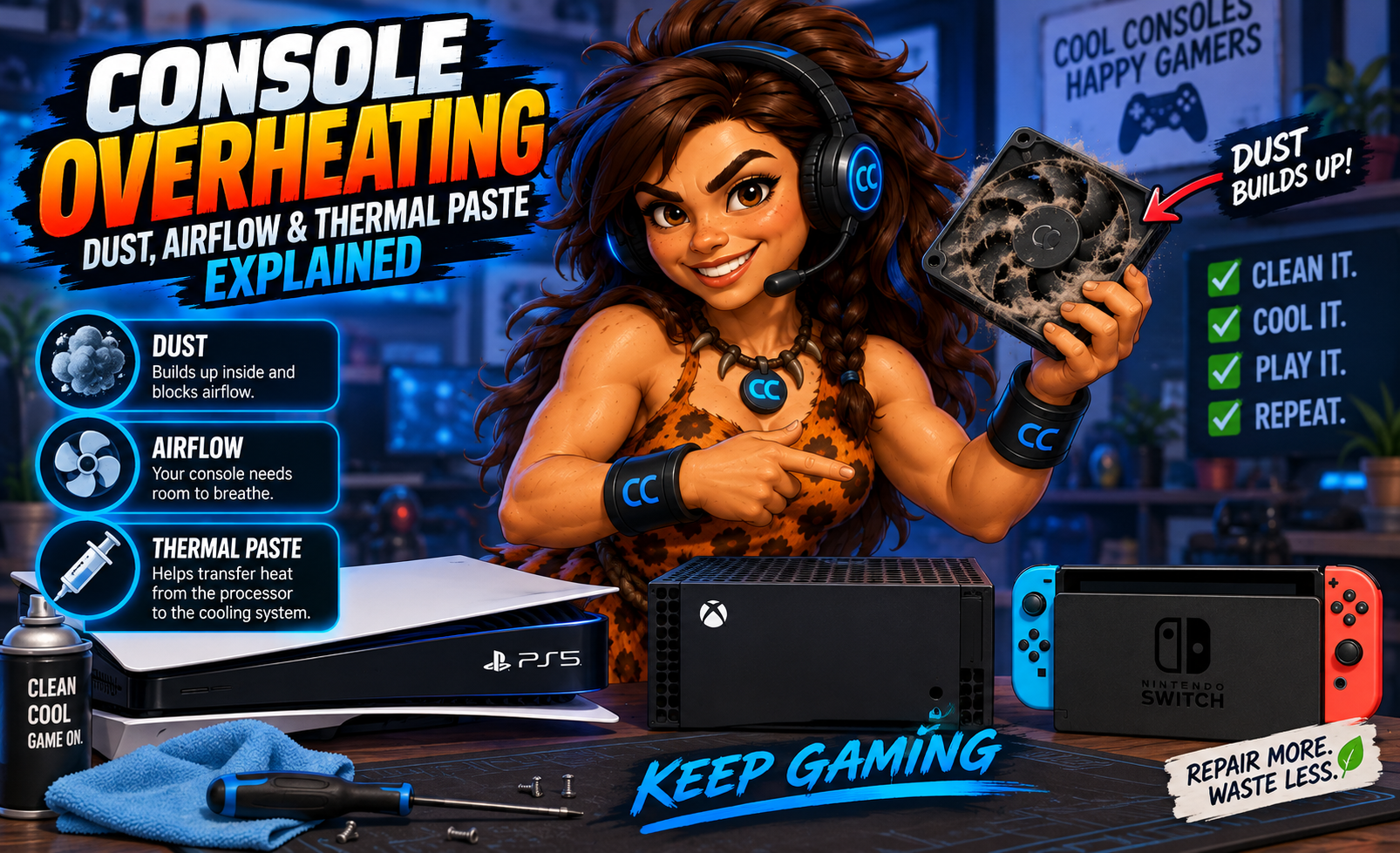
Your gaming console is running great… until the fan starts screaming, the system gets extremely hot, your game freezes, or the console suddenly shuts itself down.
Sound familiar?
Whether you're gaming on a PlayStation 5, Xbox Series X/S, PlayStation 4, Xbox One, or another console, overheating is something you shouldn't ignore. A gaming console produces a lot of heat. Its cooling system is designed to get that heat out—but dust buildup, restricted airflow, fan problems, and issues with the thermal interface between components and the cooling system can make that increasingly difficult.
At Computer Concepts, we repair and clean gaming consoles at our Yorktown and Williamsburg, Virginia locations.
What Causes a Gaming Console to Overheat?
Your console contains powerful processors that generate heat whenever you're gaming. That heat has to go somewhere. The cooling system generally uses a combination of:
- Fans
- Heat sinks
- Air vents
- Internal airflow
- Thermal interface materials
When everything is clean and operating correctly, heat is transferred away from critical components and exhausted from the console. When something interferes with that process? Temperatures rise!
1. Dust: The Enemy Hiding Inside Your Console
One of the most common problems we see inside electronics is also one of the simplest:
Dust - Period
Your console's cooling fan pulls air through the system. Along with that air comes dust, pet hair and other debris. A little dust probably isn't going to ruin your gaming session. Years of it can be a different story. Dust can accumulate on:
- Cooling fans
- Heat sinks
- Air vents
- Internal components
- Intake areas
- Exhaust areas
Eventually, the cooling system may have to work harder to move the same amount of air.
“But My Console Looks Clean!”
We've heard this one before. The outside can look spotless while the inside tells an entirely different story. Dust can become packed into areas you can't easily see without opening the console.
That's why blowing a little air across the outside vents doesn't always solve an overheating problem.
2. Airflow: Your Console Needs Room to Breathe
Where you place your console matters. Gaming systems need access to cooler air and enough space to exhaust hot air. Putting a console inside a tightly enclosed entertainment center can trap heat around it. Other common airflow problems include:
- Console pushed directly against a wall
- Vents blocked by objects
- Console sitting on a soft surface
- Other electronics producing heat nearby
- Heavy dust around intake or exhaust vents
- Poor ventilation inside a cabinet
Your PS5 or Xbox may look great tucked tightly into your entertainment center. But if the hot air has nowhere to go, you're essentially asking the console to keep cooling itself with increasingly warm air.
Give It Some Space
Keep the console's vents unobstructed and leave reasonable room around it for ventilation. Your console doesn't need its own luxury apartment. It just needs to breathe.
3. What Does Thermal Paste Actually Do?
You've probably heard gamers talk about thermal paste. So what is it?
Processors and heat sinks may look perfectly smooth, but at a microscopic level their surfaces contain tiny imperfections. A thermal interface material helps fill those microscopic gaps so heat can transfer efficiently from a processor or other component into its cooling system. When thermal transfer isn't working properly, temperatures can rise.
Does Old Thermal Paste Cause Overheating?
It can contribute to cooling problems in systems that use thermal paste, but it shouldn't automatically be blamed every time a console gets hot.
This is important! If your console is overheating, simply saying “replace the thermal paste” isn't a complete diagnosis. The real problem could be:
- Dust buildup
- Blocked airflow
- A failing fan
- Heat-sink obstruction
- Poor thermal contact
- Power-related problems
- Board-level hardware issues
- A combination of several problems
The correct approach is to diagnose the cooling system as a whole.
Does the PS5 Use Thermal Paste?
Here's where console design matters. The PlayStation 5 uses liquid metal as the thermal interface material for its main processor, rather than conventional thermal paste in that location.
That's an important distinction. Liquid metal requires careful handling because it is electrically conductive. Improper application or accidental contamination of surrounding electronics can cause serious damage. So if you're watching a random repair video online and thinking: “I'll just throw some thermal paste on my PS5…”
Don't! Different consoles use different cooling designs, and the correct repair depends on the system.
What Are the Signs of an Overheating Console?
Overheating doesn't always produce an obvious temperature warning. Watch for these symptoms:
- Console becomes unusually hot
- Fan gets extremely loud
- Games freeze or crash
- Console randomly shuts down
- System shuts off during demanding games
- Performance becomes unstable
- Overheating warnings appear
- Console won't stay running for long periods
- Hot air coming from the exhaust becomes excessive
- Console behaves normally when cold but develops problems after gaming for a while
One symptom by itself doesn't prove overheating. But repeated heat-related behavior should be investigated.
Why Does My Console Shut Off While Gaming?
This is a particularly common complaint. “It works fine for a while, then suddenly shuts off.”
Modern games can push a console's CPU and graphics hardware hard. More processing means more heat. If the cooling system can't remove that heat efficiently, problems may become noticeable during demanding games even though the console appears perfectly normal while sitting at the home screen.
Repeated shutdowns are not something we'd recommend ignoring. Your console is telling you something isn't right.
Why Is My Console Fan So Loud?
A loud fan doesn't automatically mean the fan is broken. Sometimes it's doing exactly what it's supposed to do: Trying desperately to cool the system.
If internal temperatures rise, the cooling system may increase fan speed to move more air. A console that suddenly becomes much louder than it used to be may have:
- Dust buildup
- Restricted airflow
- Cooling-system problems
- A worn or failing fan
- Excessive internal temperatures
If your console sounds like it's preparing for takeoff every time you launch a game, it's worth having it checked.
Can I Clean My Gaming Console Myself?
Basic maintenance is a good idea. Keep dust away from the outside vents, keep the surrounding area clean, and make sure airflow isn't blocked. But a proper internal console cleaning is different. Gaming consoles contain delicate:
- Ribbon cables
- Connectors
- Circuit boards
- Fans
- Cooling components
- Power-supply components
Using the wrong tools or cleaning methods can cause damage. And blasting compressed air into a console without understanding where the dust is going isn't necessarily the same as removing it.
Sometimes you're just relocating the Dust Bunny Kingdom. 👑
Should I Replace the Thermal Paste Myself?
That depends heavily on the console and your repair experience. Proper thermal-interface service requires disassembling the cooling system, cleaning surfaces correctly, using the appropriate material and reassembling everything with proper contact.
Using too much material, too little material, the wrong product, or damaging something during disassembly can make matters worse. And remember: Not every console uses conventional thermal paste in the same way. Diagnosis comes first.
Can Overheating Permanently Damage a Gaming Console?
Excessive heat isn't good for electronics. Modern consoles have protections designed to help prevent catastrophic overheating, including temperature management and shutdown behavior.
But repeatedly operating electronics under abnormal thermal conditions isn't something you want to make a habit of. If your console is repeatedly overheating or shutting down, fixing the underlying problem is better than continually turning it back on and hoping for the best.
How Often Should a Gaming Console Be Cleaned?
There isn't one perfect schedule for everyone. A console in a clean, low-dust environment may stay cleaner much longer than one sitting:
- Near the floor
- Around pets
- In a smoking environment
- Inside a dusty room
- Near carpet
- In a heavily used gaming setup
Instead of relying solely on a calendar, pay attention to changes. If the console is becoming louder, hotter, or less stable than it used to be, it may be time for an inspection and cleaning.
Is an Overheated Console Worth Repairing?
Often, YES! An overheating console doesn't automatically mean the motherboard is dead or the entire system needs replacement. Sometimes the problem is maintenance-related. Other times, a component needs repair.
The important thing is determining what is actually causing the overheating before replacing the console. That's why we're big believers in: Repair More. Waste Less. A repairable PlayStation, Xbox, or Nintendo system doesn't belong in the trash.
Gaming Console Cleaning & Repair in Yorktown and Williamsburg, VA
If your PlayStation, Xbox, or Nintendo gaming console is overheating, shutting down, crashing, or running unusually loud, bring it to Computer Concepts.
We provide gaming-console services including:
- Internal console cleaning
- Overheating diagnosis
- Cooling-system inspection
- Fan troubleshooting
- HDMI port repair
- PlayStation repair
- Xbox repair
- Nintendo Switch repair
- Microsoldering
- Circuit-board repair
📍 Computer Concepts – Yorktown, VA
📍 Computer Concepts – Williamsburg, VA
We've been helping Hampton Roads customers with their technology since 2005!
Hot Console? Don't Wait Until It's Game Over.
Dust doesn't look dangerous. Restricted airflow doesn't sound exciting. And thermal interface materials definitely aren't the most glamorous part of gaming.
But all three can play an important role in keeping electronics cool. If your console is running hotter, louder, crashing, or shutting itself down, don't wait until a small cooling problem becomes a bigger repair. Bring it to Computer Concepts and let us find out what's actually going on.
🎮 Computer Concepts — We Fix It Right.
Quality Repair. Real Support.