
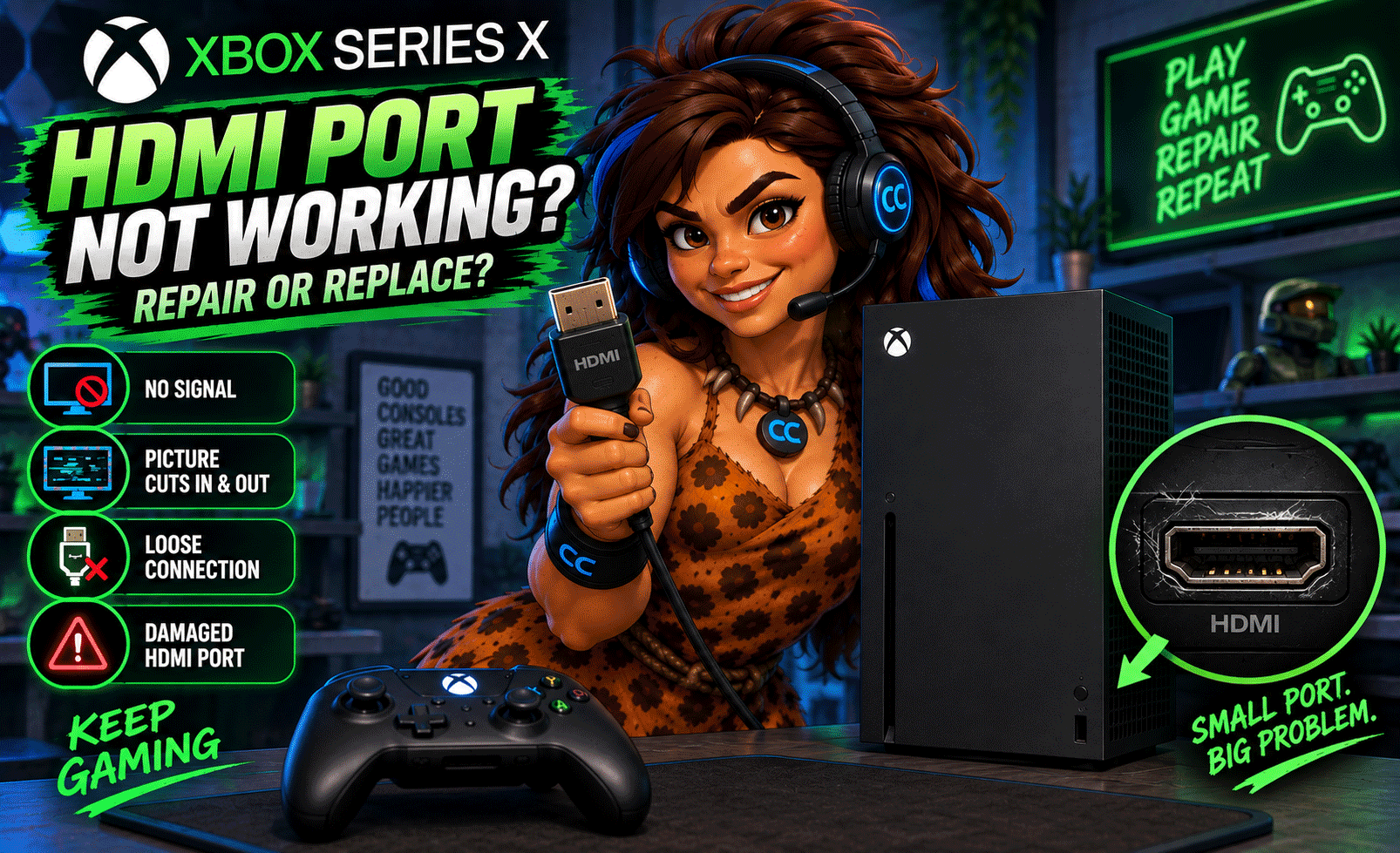
You turn on your Xbox Series X, hear the startup sound, see the console light up… but your TV says “No Signal.”
Before assuming your Xbox is dead—or spending hundreds of dollars on a replacement—the problem could be something much smaller: the HDMI port.
HDMI problems are a common reason gaming consoles lose video output. A damaged or loose port can prevent your Xbox Series X from communicating properly with your TV or monitor, even when the console itself is still running.
At Computer Concepts, we repair gaming consoles at our Yorktown and Williamsburg, Virginia locations, including HDMI port problems and microsoldering down to the circuit board.
So, should you repair your Xbox Series X HDMI port or replace the entire console?
In many cases, repair makes much more sense.
Signs Your Xbox Series X HDMI Port May Be Damaged
A completely black screen isn't the only symptom of HDMI trouble.
Common signs include:
- Xbox turns on but the TV says “No Signal”
- Screen flickers or cuts in and out
- Video appears only when the HDMI cable is moved
- HDMI cable feels unusually loose in the port
- Bent or damaged pins are visible inside the HDMI port
- Port appears pushed inward or crooked
- Picture displays incorrectly or intermittently
- Console stopped displaying video after being dropped or moved
- HDMI cable was accidentally pulled while connected
If you're experiencing one or more of these problems, the HDMI port should be inspected before assuming the console needs to be replaced.
Why Do Xbox Series X HDMI Ports Break?
HDMI ports are durable, but they're still physical connectors attached to a circuit board.
Every time you plug or unplug a cable, some amount of force is placed on the connector.
Accidental Cable Pulls
This is one of the easiest ways to damage a console's HDMI port.
Someone trips over the cable, the entertainment center gets moved, or the Xbox gets picked up while it's still connected.
The cable can act like a lever and damage the port.
Moving the Xbox While Connected
If you're moving your console to another room, unplug everything first.
Moving an Xbox with the HDMI cable still attached can place unnecessary stress on both the connector and the circuit board.
Repeated Plugging and Unplugging
Frequently switching cables or displays can eventually wear the connector.
The HDMI cable should fit securely without requiring excessive force.
Bent HDMI Pins
Look inside an HDMI connector and you'll see a series of small contacts.
If those contacts become bent or damaged, the Xbox may no longer establish a proper video connection.
Circuit Board Damage
Sometimes the visible HDMI port isn't the only problem.
Physical damage can affect the solder connections, pads, traces, or other components on the Xbox motherboard.
That's where board-level repair and microsoldering become important.
Xbox Turns On but Says “No Signal” — Is It Definitely the HDMI Port?
Not necessarily.
A No Signal message doesn't automatically mean the HDMI port is broken.
Before bringing the Xbox in for repair, there are several simple things worth checking.
1. Try Another HDMI Cable
Start with the easiest possibility.
HDMI cables fail too.
Try a known-good cable before blaming the console.
2. Try Another HDMI Input
Move the cable to another HDMI input on your TV.
For example, switch from HDMI 1 to HDMI 2 and make sure the television is set to the correct input.
3. Try Another TV or Monitor
If possible, connect your Xbox Series X to another display.
If it works normally on another television, the problem may be with the original TV, receiver, or configuration rather than the Xbox.
4. Inspect the HDMI Port
With the console powered off and disconnected, visually inspect the HDMI port.
Look for:
- Bent pins
- Debris
- A crooked connector
- A port pushed inside the console
- Physical damage
- A loose connection
Don't stick metal objects inside the HDMI port.
Trying to straighten contacts with a screwdriver, knife, paper clip, or other tool can turn a repairable problem into board damage.
Can an Xbox Series X HDMI Port Be Repaired?
Yes.
A damaged HDMI port does not automatically mean you need another Xbox.
Depending on the damage, the defective HDMI connector can often be removed and replaced.
But this isn't the same type of repair as replacing a hard drive or installing RAM in a computer.
The HDMI connector is attached directly to the Xbox motherboard.
Repairing it requires specialized equipment and experience working with circuit boards.
Why Xbox HDMI Repair Requires Microsoldering
This is where things get interesting.
An HDMI connector contains numerous small connections that must make proper contact with the motherboard.
Replacing the port typically requires carefully removing the damaged connector without causing additional damage to the board.
The replacement then has to be properly positioned and soldered.
If pads or traces have already been damaged, additional board-level microsoldering may be necessary.
At Computer Concepts, we perform microsoldering work down to the circuit board, allowing us to evaluate repairs that go beyond simply swapping components.
Don't Try to Force a Damaged HDMI Port
We understand the temptation. You move the cable around… Push it upward… Pull it downward…
And suddenly - THE PICTURE COMES BACK!
Unfortunately, that's not a fix.
If moving the cable changes the picture, that's actually a strong indication that something isn't making a reliable connection. Continuing to put pressure on the HDMI connector can potentially make the damage worse. What starts as a damaged port could become damaged motherboard pads or traces.
Get it checked before that happens.
Should I Repair or Replace My Xbox Series X?
This is the big question.
Repair May Make Sense When:
- The Xbox otherwise works normally
- The HDMI port has obvious physical damage
- The console powers on but doesn't display video
- The repair costs significantly less than replacing the console
- You want to keep your existing system
- The motherboard damage is repairable
Replacement May Make More Sense When:
- The console has extensive liquid or physical damage
- Multiple major components have failed
- The motherboard has severe damage
- Repair costs approach the value of another console
- There are several unrelated hardware problems
The key is diagnosis before replacement. Don't throw away a perfectly good Xbox because of one damaged connector.
Is Xbox Series X HDMI Repair Worth It?
For many customers, yes.
If the rest of the console is working and the problem is isolated to the HDMI circuitry, repairing the existing Xbox may be considerably more economical than replacing the entire system.
It also keeps another electronic device out of the waste stream. That's why we're big believers in: Repair more. Waste less.
Can a Broken HDMI Port Damage an Xbox Motherboard?
The initial damage may already involve the motherboard. When an HDMI cable is pulled or struck hard enough, the force can transfer through the connector into the solder joints and circuit board.
Damage can include:
- Broken solder connections
- Lifted solder pads
- Damaged traces
- Damaged HDMI-related components
- Physical motherboard damage
That's why simply looking at the outside of the HDMI port doesn't always tell the whole story. Sometimes the connector looks damaged. Sometimes it looks completely normal. The real problem may be underneath it.
Can You Prevent Xbox HDMI Port Damage?
You can't prevent every accident, but a few habits can reduce the risk.
Disconnect the HDMI cable before moving your Xbox. Make sure cables aren't stretched tightly behind the entertainment center. Avoid repeatedly plugging and unplugging cables unnecessarily, and don't force a connector that doesn't seem to fit correctly.
Most importantly, if the HDMI connection becomes loose or intermittent, don't keep wiggling the cable to make it work. That's usually a warning sign.
Xbox Series X HDMI Port Repair in Yorktown & Williamsburg, VA
If your Xbox Series X turns on but has no picture, don't replace it until you know what's actually wrong.
Computer Concepts provides gaming console repair for customers throughout Hampton Roads from our locations in:
📍 Yorktown, Virginia
📍 Williamsburg, Virginia
Our technicians work on gaming-console problems including:
- Xbox HDMI port repair
- PS5 HDMI port repair
- Nintendo Switch repairs
- Overheating consoles
- Internal cleaning
- Hardware troubleshooting
- Microsoldering
- Circuit-board repair
We've been helping Hampton Roads customers with their technology since 2005. If your Xbox has stopped displaying video, bring it in and let us determine whether it can be repaired.
Before You Buy Another Xbox, Find Out What's Wrong
A console that powers on but doesn't display a picture may not be a dead console at all. It could be one damaged HDMI port standing between you and your games.
Computer Concepts — We Fix It Right.
Quality Repair. Real Support.